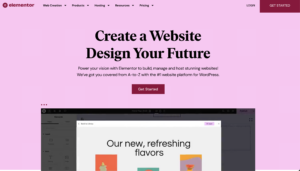

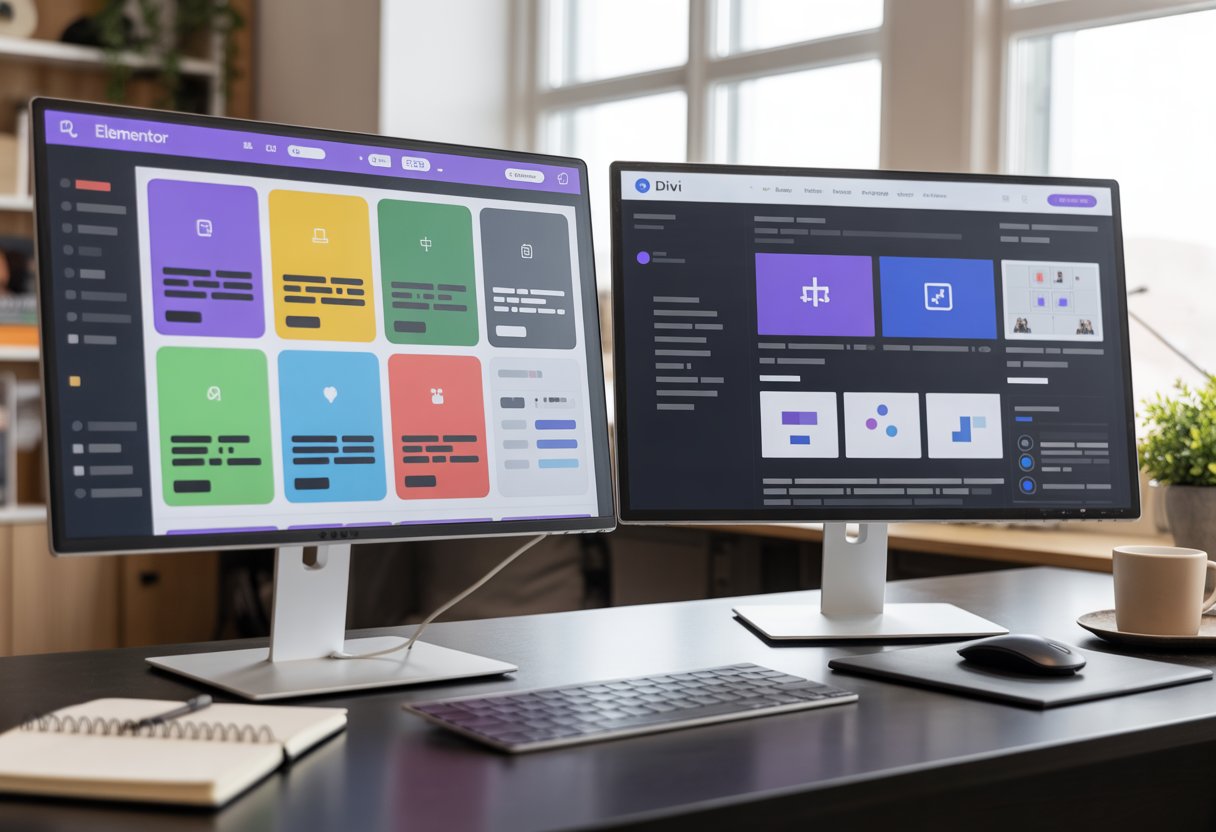
Choosing between Elementor and Divi is the #1 question I hear from new WordPress users. Both are powerful page builders that let you design websites without coding. They each have millions of users and get regular updates in 2025.
For most single business websites, Elementor is usually the better choice because of its easier interface, free version to start with, and better compatibility with other plugins. That said, Divi offers something Elementor doesn’t: a lifetime deal at $249 that covers unlimited sites forever. If you plan to build multiple websites or work as a freelancer, that lifetime price can save you money over time.
The real difference comes down to how you work and what you need. Elementor gives you a drag-and-drop system that feels instant and direct. Divi works more like a design tool with layers and hover controls. Both can build fast, beautiful sites, but they feel different when you use them. I’ll walk you through the key differences so you can pick the right WordPress page builder for your situation.
Key Takeaways
- Elementor works better for beginners and single sites while Divi’s lifetime deal makes sense for agencies building multiple websites
- Both page builders have improved speed in 2025 but Elementor offers more control over loading scripts and styles
- Elementor has a larger plugin ecosystem and better third-party support while Divi provides more complete design packs out of the box
The Quick Verdict (For Busy Business Owners)

Elementor Pro starts at $59 per year for one site and gives beginners an easy path from free to paid. Divi Builder costs $89 yearly for unlimited sites or $249 once for lifetime access, which makes it better for agencies managing multiple client projects.
Why Elementor Wins for Beginners
Elementor‘s free version lets you test the builder before spending money. You can drag widgets directly onto your page and edit text inline without clicking through extra menus.
The interface feels straightforward. When you want to add a button or image, you just drag it from the sidebar. No hidden layers or confusing setup steps.
Elementor Pro adds features like popups and form builders at $59 per year. That price works well if you’re building one business site and want to keep costs low.
The huge community means you’ll find answers fast. YouTube has thousands of tutorials, and Facebook groups respond to questions within hours. When something breaks or looks wrong, someone has already solved it and posted the fix.
Why Divi Wins for Agencies
Divi Builder’s unlimited site license at $89 per year beats buying separate Elementor Pro licenses for each client. Build ten sites and you’ve already saved hundreds of dollars.
The lifetime option at $249 means you pay once and use Divi forever. I’ve seen agencies recoup this cost after their third or fourth client project.
Divi includes complete layout packs with matching homepage, about, services, and contact pages. You can launch a professional site faster because everything already matches. No mixing random templates that look disconnected.
The global presets let you set brand colors and fonts once, then apply them across every page. When your client wants to change their primary color, you update one setting instead of editing 30 different elements.
The “Interface” War: Fixed Sidebar vs. Floating Buttons
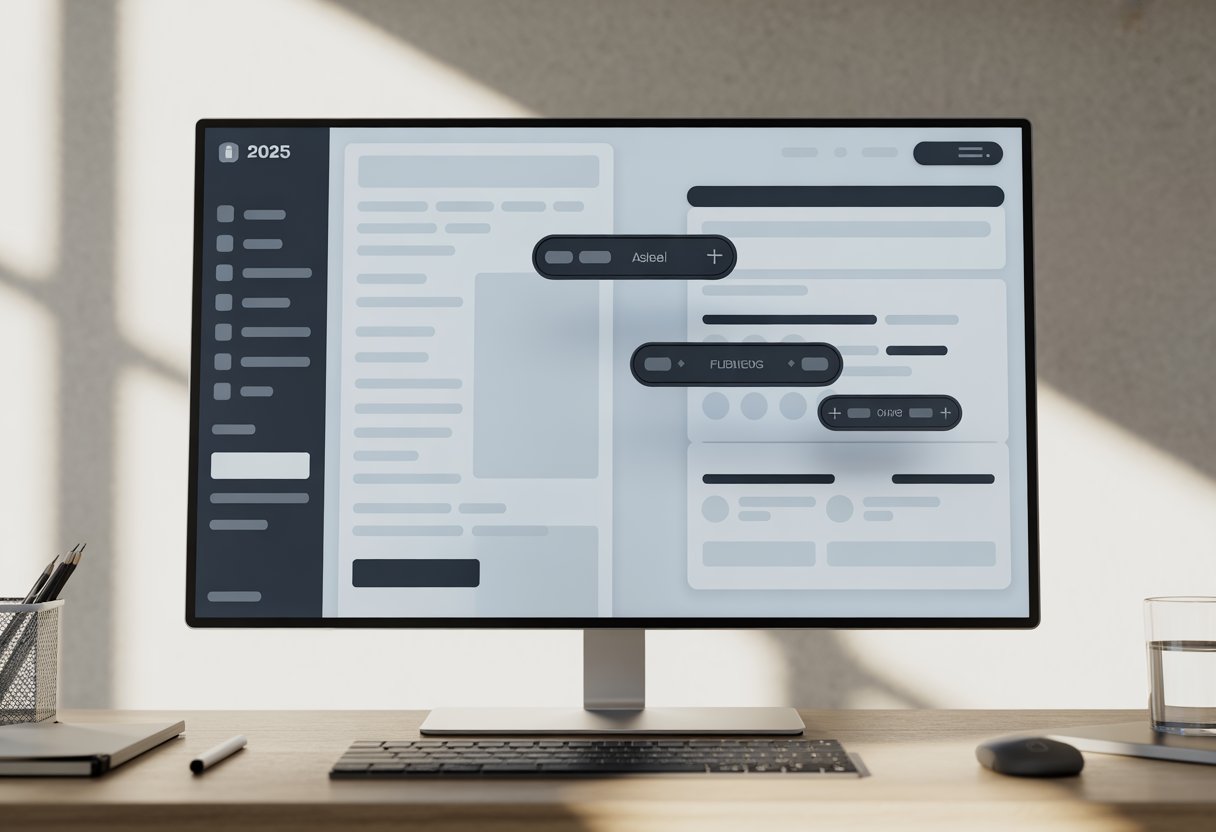
Elementor uses a fixed sidebar on the left side of your screen, while Divi relies on floating buttons and popup windows. This creates two completely different experiences when building pages.
Elementor’s Sidebar (Why It’s Easier to Learn)
Elementor’s interface puts everything in a fixed sidebar on the left side of your screen. This sidebar stays in place while you work on your design.
The sidebar contains all your widgets, settings, and controls in one spot. You don’t need to hunt for options or click through multiple menus. Everything is right there.
When you click on an element, its settings appear in the same sidebar. You can see your changes on the right side of the screen in real time. This makes it easy to understand what each setting does.
New users find this layout simple to learn. You always know where to look for tools and options. The sidebar doesn’t move or disappear, so you can build a mental map of where everything lives. I’ve found this consistency helps people get comfortable with Elementor faster than other builders.
Divi’s Visual Builder (Powerful but Messy)
Divi’s Visual Builder takes a different approach with floating buttons and popup windows. Small icons appear when you hover over sections, rows, and modules on your page.
You need to click these icons to open settings windows. The windows appear as popups that float over your design. This can block your view of the page you’re building.
Divi 5 improved this with docked panels that sit on the side instead of floating. You can now open multiple panels at once and dock them side by side. Right-clicking on elements brings up a quick menu for common actions.
The floating button system gives you more screen space to see your design. But it also means more clicking to find what you need. Settings aren’t always in the same place, which can slow you down. The interface feels cluttered when working with complex layouts that have many nested elements.
Performance in 2025: Is Divi 5.0 Finally Faster?
Elementor maintains strong speed benchmarks with controlled resource loading, while Divi 5.0 brings major backend changes that address past performance complaints. Both builders now compete more closely on Core Web Vitals than in previous years.
Elementor‘s Speed Performance
I’ve tested Elementor across multiple hosting setups, and it consistently delivers solid performance when you use it properly. The builder loads only the CSS and JavaScript needed for active widgets on each page. This keeps file sizes smaller.
Elementor’s asset loading system is modular. If you don’t use a slider module, the slider scripts won’t load. This approach reduces bloat compared to older page builders.
On a basic landing page with standard modules, I measured First Contentful Paint around 1.4 to 1.8 seconds on mid-tier hosting. Largest Contentful Paint came in between 2.0 and 2.5 seconds with proper caching.
The visual editor itself runs smoothly even on pages with 15+ sections. I rarely see lag or freezing when dragging elements or adjusting settings. Elementor also works well with caching plugins like WP Rocket and Perfmatters to boost speed further.
The New Divi 5.0 Update (Beta Status & Speed Improvements)
Divi 5.0 is a complete rewrite of the core framework. Elegant Themes removed the old shortcode system that slowed down earlier versions. The new modular architecture loads only the code each page actually uses.
I tested Divi 5.0 beta on the same hosting environment I used for Elementor. First Contentful Paint dropped to around 1.6 seconds, down from 2.9 seconds in Divi 4.0. Largest Contentful Paint improved from 3.5 seconds to roughly 2.1 seconds.
The visual builder itself feels faster when editing. Pages with heavy content now load more quickly inside the editor. The new dynamic module framework helps reduce CSS output by reusing styles across elements instead of repeating code.
Divi 5.0 also includes built-in critical CSS generation and an asset cleanup engine. These features work automatically without extra configuration. While still in beta, the speed gains are real and bring Divi much closer to Elementor’s performance level.
Pricing Showdown: Subscription vs. Lifetime Deal
Elementor and Divi take different approaches to pricing. Elementor uses a yearly subscription model, while Divi offers both annual and lifetime payment options.
Elementor Pro Pricing ($59/yr)
Elementor has a free version with basic features. The Pro version starts at $59 per year for the Essential plan, which works on one website. If I need to use it on more sites, the prices go up significantly.
The Advanced plan costs $199 per year and covers up to 25 websites. There’s also an Expert plan for $399 per year that allows 100 sites. All plans renew annually to keep updates and support active.
Elementor doesn’t include extra plugins in these prices. I would need to pay separately for things like email opt-ins or social sharing tools. The AI writing assistant also costs extra through Elementor AI.
Divi Pricing ($89/yr or Lifetime Deal)
Divi costs $89 per year for unlimited websites. This means I can build as many sites as I want without paying extra per site. The yearly plan includes the Divi theme, Divi Builder, and three bonus plugins: Bloom (email opt-ins), Monarch (social sharing), and Extra (magazine theme).
The Lifetime Access plan costs $249 as a one-time payment. I never have to pay again and get lifetime updates and support on unlimited sites.
There’s also Divi Pro at $277 per year. This adds team management tools, cloud storage for design assets, and AI features. Most users don’t need this unless they run a large agency.
Which One Saves You More Money? (The “One Site” vs “Many Sites” Math)
For a single website, Elementor Pro Essential ($59/year) costs less upfront than Divi ($89/year). But that changes quickly when I need multiple sites.
If I build three websites with Elementor Essential, I’d pay $177 per year ($59 × 3 sites). With Divi, I still pay just $89 per year for unlimited sites. Over five years, Elementor would cost me $885 while Divi costs $445.
The math gets even better with Divi’s lifetime option. At $249 one-time, I break even after three years compared to Divi’s yearly plan. After that, I pay nothing while Elementor users keep paying $59-$399 every year.
| Builder | 1 Site (1 Year) | 3 Sites (1 Year) | 1 Site (5 Years) |
|---|---|---|---|
| Elementor Pro | $59 | $177 | $295 |
| Divi Yearly | $89 | $89 | $445 |
| Divi Lifetime | $249 | $249 | $249 |
Pros and Cons Comparison
Both page builders bring distinct advantages and limitations to WordPress users. Elementor offers a free version and faster performance, while Divi provides a lifetime license and built-in A/B testing.
Elementor Pros & Cons
Pros:
- Free version available with 40+ widgets for beginners to test features
- Faster performance with smaller page sizes and optimized loading speeds
- Larger addon ecosystem with extensive third-party plugin support
- Popup builder included for creating modal forms and notifications without extra plugins
- Lower starting price at $60 per year for the Pro version
- Easier learning curve with a fixed left sidebar that displays all elements
- Maintenance mode feature for working on sites privately
- More individual page templates for quick design starts
Cons:
- No lifetime license option requires yearly renewals
- Form widget lacks conditional logic limiting advanced form functionality
- No built-in A/B testing requires external tools like Microsoft Clarity
- Fewer website kit templates compared to Divi’s layout packs
- Less powerful role editor for managing user permissions
Divi Pros & Cons
Pros:
- Lifetime subscription available for one-time payment access
- 350+ layout packs with complete website kits in matching styles
- Built-in A/B testing for testing page variations and improving conversions
- Includes Divi theme bundling page builder and theme together
- Advanced form widget with conditional logic support
- Dynamic interface with floating buttons that maximize screen space
- More powerful role editor for detailed user permission control
- 200+ modules providing extensive design elements
Cons:
- No free version to test before purchasing
- Slightly slower performance compared to Elementor in speed tests
- Higher starting cost at $89 per year
- Steeper learning curve due to wireframing and layers approach
- Limited third-party addons compared to Elementor’s marketplace
- No popup builder requires separate Bloom plugin purchase
- Less intuitive interface takes longer to master
Final Verdict: Which One Should You Buy in 2025?
After testing both builders, I can tell you that your choice comes down to what matters most for your website.
Choose Elementor if you:
- Want faster page loading speeds and better performance
- Need a strong free version to start with
- Plan to use many third-party plugins and add-ons
- Prefer more design flexibility with popups and widgets
- Work with teams or clients on multiple projects
Choose Divi if you:
- Want to build unlimited websites with one payment
- Prefer lifetime pricing over yearly subscriptions
- Need built-in marketing tools like split testing
- Want access to all themes and layouts in one package
- Work mostly on your own websites
The pricing models work differently. Elementor charges around $59 per year for each site. Divi offers unlimited sites for one yearly fee or a lifetime payment option.
I found Elementor loads faster and works better with most WordPress plugins. It has a larger community and more design options through add-ons.
Divi gives you better value if you manage many websites. The lifetime license means you pay once and use it forever. The builder includes everything you need without extra purchases.
Neither option is wrong. Elementor wins for speed and flexibility. Divi wins for pricing and bundled features. Pick based on your budget, how many sites you manage, and whether you value performance or lifetime access more.
Frequently Asked Questions
Both builders have distinct strengths in pricing models, performance metrics, and support systems. Switching between platforms requires careful planning to preserve your site content and design.
Which builder has better performance in 2025: Elementor or Divi?
Divi delivers better performance scores in 2025 through built-in optimization features like dynamic module framework and critical CSS generation. The builder now includes smart asset loading that reduces page weight without extra plugins.
Elementor has improved its speed optimization but still relies on more DOM elements and inline styling. This creates larger page sizes that can slow down sites, especially when using multiple third-party add-ons.
Independent GTmetrix tests show Divi-powered sites averaging performance scores above 95 with proper caching. Elementor sites typically score lower unless heavily optimized with additional tools.
What are the current pricing differences between Elementor and Divi?
Divi offers two pricing options: $89 per year for unlimited sites or $249 for lifetime access. Both plans include all features, templates, updates, and premium support with no restrictions.
Elementor starts at $59 per year for a single site. The price increases to $399 per year for 1,000 sites, but many essential features remain locked behind the Pro version.
For agencies or developers managing multiple client sites, Divi provides significantly better value. The lifetime option eliminates recurring costs entirely while maintaining full access to all builder capabilities.
How do user reviews compare for Elementor and Divi in terms of ease-of-use?
Divi maintains a Trustpilot rating of 4.9 out of 5 stars in 2025. Users consistently praise the intuitive visual builder and inline editing capabilities that speed up the design process.
Elementor holds a 4.5 out of 5 rating on Trustpilot. Many users appreciate the drag-and-drop interface but report that advanced styling options are sometimes hidden under multiple tabs.
User satisfaction surveys from 2025 show Divi users reporting 18% higher satisfaction with design workflow compared to Elementor users. The bulk editing and multi-select features in Divi save considerable time during complex projects.
What are the unique features that set Elementor apart from Divi in the current year?
Elementor offers extensive developer features with custom hooks and CSS controls. The platform provides strong community support and a large marketplace of third-party add-ons.
The widget library in Elementor includes specialized elements for interactive content. Motion effects and advanced animations are available through the Pro version.
Elementor’s popup builder gives users control over creating custom overlays and promotional messages. The platform also includes form builder capabilities within the Pro package.
Which page builder offers better customer support and learning resources, Elementor or Divi?
Divi provides 24/7 live chat support along with detailed documentation. The support team responds quickly to technical questions and troubleshooting requests.
Elementor uses a ticket-based support system supplemented by community forums. Response times vary depending on the priority level and plan type.
Both platforms offer extensive tutorials and knowledge bases. Divi includes video guides and weekly blog posts covering new features and design techniques.
Can you switch from Divi to Elementor without losing content, and how seamless is the process?
Switching from Divi to Elementor requires rebuilding your page layouts because the two builders use different shortcode structures. Your written content and images remain intact, but visual designs do not transfer automatically.
You need to manually recreate each page design using Elementor’s interface. This process takes significant time, especially for sites with many custom layouts.
Some third-party migration plugins claim to assist with the transition, but results vary. Most users find it more reliable to rebuild pages manually to ensure proper formatting and functionality.