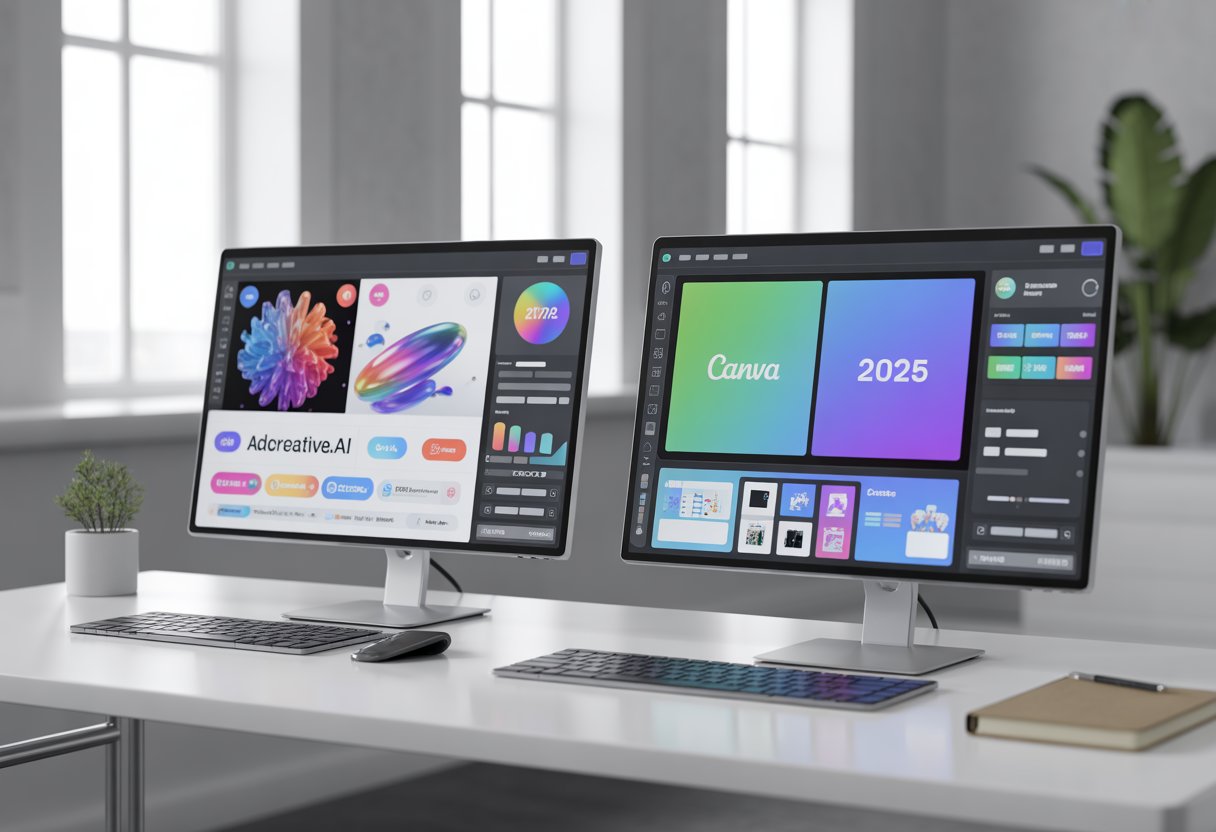
Canva is an amazing design tool that millions of people use every day. It makes creating beautiful graphics quick and easy, even if you have no design experience. But here’s something I learned after spending thousands on ad campaigns: pretty ads don’t always convert into sales.
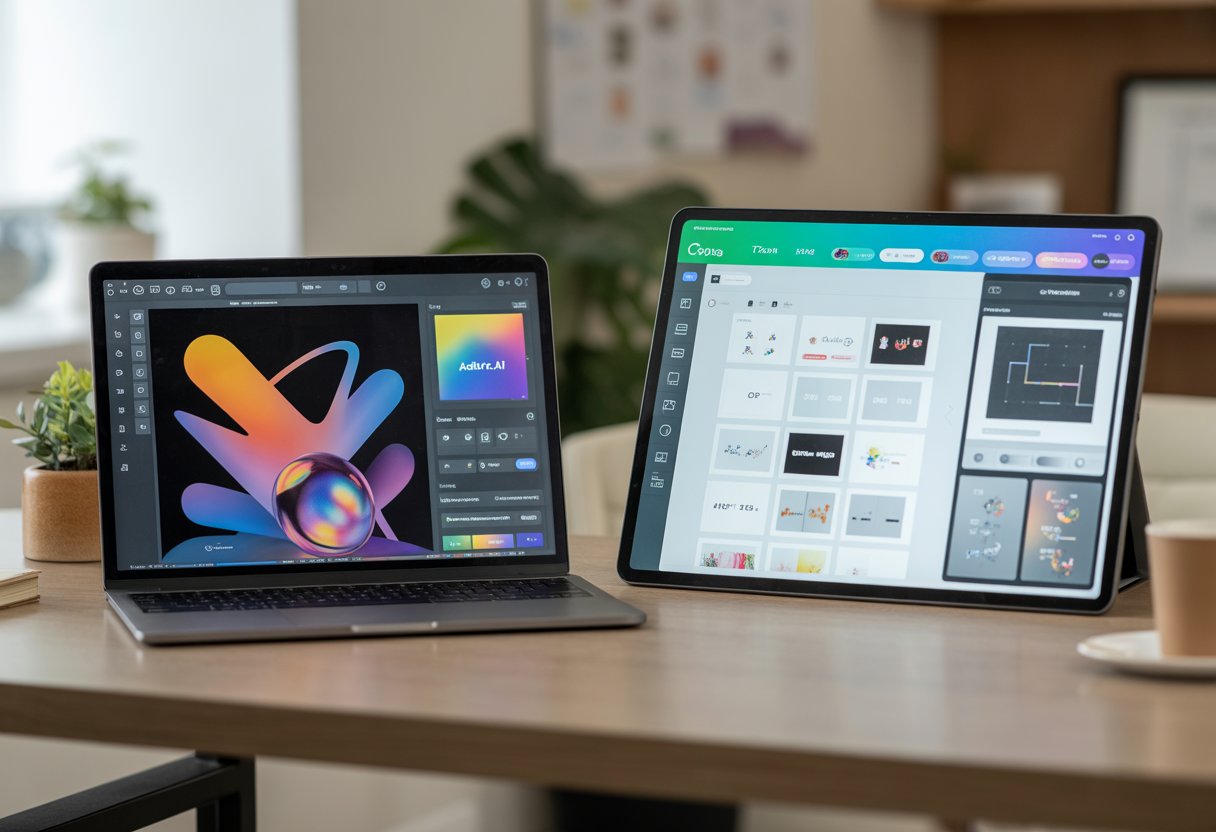
AdCreative.ai is the tool I turn to when I need actual ROI from my ad spend, not just social media likes. While Canva helps me make content that looks good, AdCreative focuses on ads that perform well. The difference matters when you’re paying for every click and conversion.
Both tools serve different purposes in my marketing toolkit. In this comparison, I’ll break down when to use each platform, what they cost, and how they stack up for real advertising campaigns. Most marketers end up needing both, but for very different reasons.
Key Takeaways
- Canva excels at creating visually appealing designs while AdCreative.ai focuses on data-driven ads that convert
- AdCreative.ai costs more than Canva but targets marketers who prioritize campaign performance over design flexibility
- Using both tools together covers different marketing needs since one prioritizes aesthetics and the other prioritizes results
The Core Difference

Canva focuses on general design work and brand consistency across platforms, while AdCreative.ai specializes in creating advertising campaigns optimized for conversions through AI analysis.
Canva: Best for Branding, Social Posts, and Manual Design
I find Canva excels when I need complete creative control over my designs. The platform offers thousands of templates for social media posts, presentations, and marketing materials that I can customize however I want.
Canva’s brand kits let me store my logos, fonts, and color palettes in one place. This makes keeping my designs consistent across all my social posts simple and fast. I can create Instagram stories, LinkedIn graphics, and Facebook cover photos that all match my brand identity.
The manual design approach means I choose every element myself. I pick the images, adjust the text, and arrange the layout. This gives me creative freedom but requires more time and design skills. Canva works well when I’m building my brand presence on social media rather than running paid campaigns.
AdCreative.ai: Best for High-Converting Paid Ads (Facebook/Google)
AdCreative.ai takes a different approach focused specifically on paid advertising. The platform uses AI to generate Facebook ads and Google ads designed to increase click-through rates and conversions.
I input my brand assets and campaign goals, then the AI creates multiple ad variations. The system analyzes what typically performs well in paid campaigns and applies those insights to my designs. This removes much of the guesswork from ad creation.
The platform scores each design based on predicted performance. I can see which ads the AI expects to convert best before spending money on them. AdCreative.ai doesn’t try to handle all my design needs like social media posts or brand materials. Instead, it focuses entirely on creating ads that drive results in paid campaigns where performance directly impacts my advertising budget.
Feature Showdown
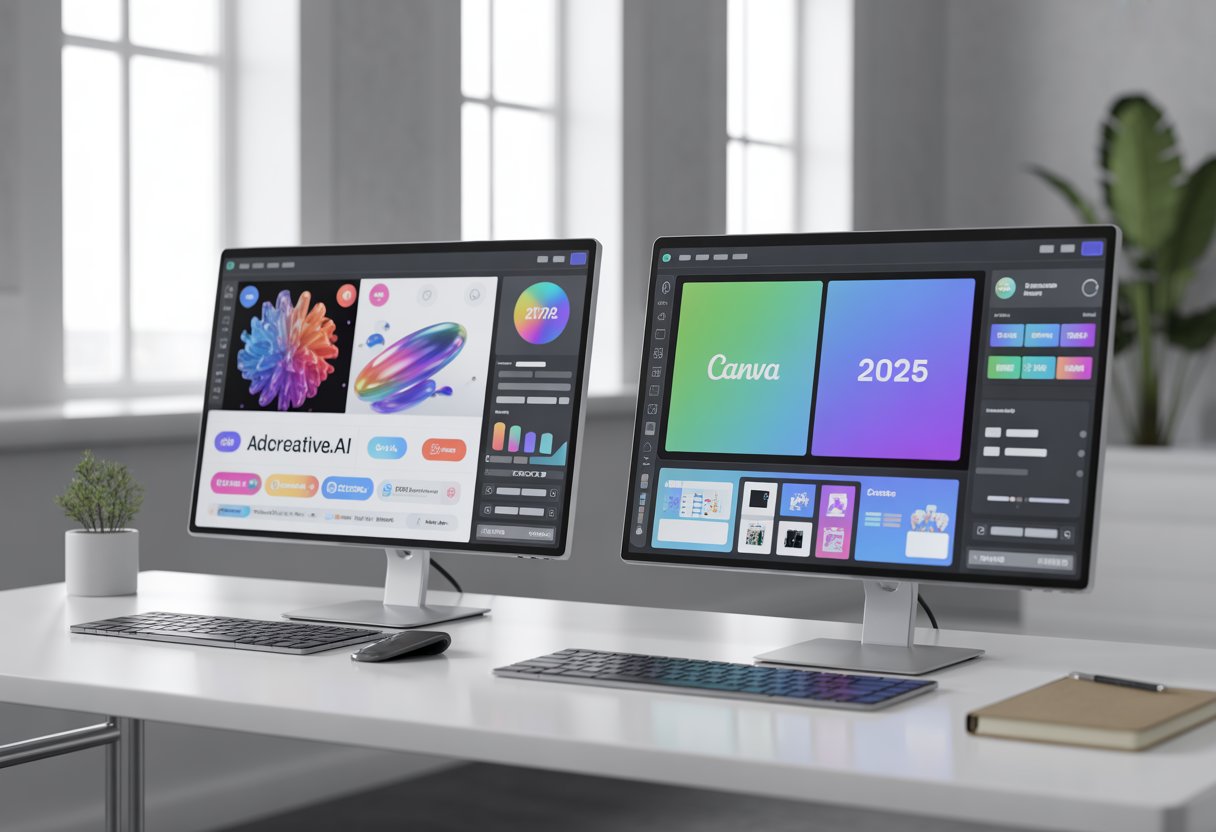
Canva emphasizes creative control with AI-powered design tools for general projects, while AdCreative.ai uses machine learning to predict which ad creatives will actually convert customers.
Canva’s Magic Studio (AI Features for General Design)
Canva’s Magic Studio brings together multiple AI tools for design work. Magic Write generates ad copy and text content directly in your designs. Magic Design creates complete layouts from uploaded images or text prompts. Magic Resize adjusts your designs for different platforms instantly.
The platform includes a massive template library with thousands of design templates for ads, infographics, social posts, and more. I can access millions of stock images and a full media library. The drag-and-drop interface makes editing simple without technical skills.
Canva’s brand kit stores logos, colors, and fonts to maintain brand consistency across projects. The graphic design software works well for teams making various content types beyond just ads. This graphic design tool excels at customizable templates that work for presentations, videos, and print materials.
AdCreative’s Scoring AI (Predicting Which Ad Will Sell)
AdCreative.ai focuses specifically on creating high-performing ad creatives using machine learning. The platform’s Scoring AI analyzes each design and predicts its conversion potential before I spend money on testing. This ai-driven ad creation system learns from millions of successful ads.
I input my brand assets and the AI tools generate multiple ad variations automatically. The system optimizes layouts, images, and ad copy combinations based on what historically drives sales. This ad optimization happens faster than manual testing.
The platform produces static image ads, video ads, and carousel formats. Each creative gets a score showing expected performance. AdCreative.ai maintains brand consistency tools by learning my brand kit and applying it across all generated ads. The focus stays narrow: building ads that convert rather than general design projects.
Speed Test: Creating an Ad Campaign
When time matters in marketing, the speed of creating ad campaigns becomes critical. Canva relies on manual design work while AdCreative.ai automates much of the process through AI generation.
How Long It Takes in Canva
Creating an ad campaign in Canva typically takes 15-30 minutes per ad creative, depending on your design skills. I need to select a template from the library, customize text elements, adjust colors to match my brand, and position images correctly.
The platform requires manual input for each design element. I drag and drop components, resize graphics, and fine-tune layouts until the ad looks right. If I’m creating multiple ad variations for A/B testing, I multiply this time by the number of versions needed.
Canva teams can speed up the process through collaboration features. Team members can work together, though not simultaneously on the same design. The platform integrations with brand kits help maintain consistency, but I still manually apply these elements to each new ad.
For a complete campaign with 10 ad variations, I’m looking at 2-4 hours of active design work. This time increases if I’m starting from scratch rather than using templates.
How Long It Takes in AdCreative (The “Generate” Button)
AdCreative.ai reduces campaign creation time to 2-5 minutes for multiple ad variations. I input my brand details, upload my logo, and select my campaign goals. The AI then generates dozens of ad options automatically.
The platform creates 10-15 ready-to-use ad creatives in under 60 seconds after clicking the generate button. Each design comes optimized for different platforms like Facebook, Google Ads, and Instagram. I don’t need to manually adjust sizes or layouts for each platform.
The collaborative features let team members review and approve designs quickly. Real-time collaboration tools allow my team to comment and select winning variations without lengthy revision cycles. Integration capabilities with ad platforms mean I can push approved ads directly to campaigns.
This speed advantage matters most when I’m running time-sensitive promotions or need to test multiple concepts quickly.
Pricing Comparison
Canva Pro starts at $15 per month and offers a free plan, while AdCreative.ai begins at $39 monthly with no free tier. AdCreative.ai’s higher price point reflects its focus on ad performance and conversion optimization rather than general design work.
Canva Pro ($15/mo)
Canva Pro costs $15 per month for one user. There’s also a free plan that gives you access to basic templates and design tools, which works well if you’re just starting out or have simple design needs.
The Pro plan unlocks the full template library, brand kits, background remover, and unlimited storage. You can create ads, social posts, presentations, and pretty much any visual content you need. Canva Enterprise is available for larger teams that need more control and collaboration features, though pricing varies based on team size.
The free trial lets you test Pro features before committing. For most small businesses and solo marketers, the $15 monthly price is hard to beat if you need flexible design tools across multiple projects.
AdCreative.ai Plans (More Expensive, but ROI Focused)
AdCreative.ai starts at $39 per month for the starter plan. That gets you 10 creative downloads, one brand, and one user seat. It’s aimed specifically at creating high-converting ad creatives, not general design work.
The professional plan costs $249 monthly and includes 50 downloads, three brands, and 10 user seats. The ultimate plan runs $599 per month with 100 downloads, five brands, and 25 users. An enterprise plan is available with custom pricing for larger organizations.
All plans include AI-generated ad creatives, performance prediction scores, and integrations with Meta, Google, and LinkedIn. You also get access to stock images and AI-powered copywriting. There’s a free trial to test the platform before you pay.
Which One Pays for Itself Faster?
AdCreative.ai pays for itself faster if you’re running paid ads regularly and need conversion-focused creatives. The performance prediction scores help you pick winners before spending ad budget on testing.
Canva Pro pays for itself faster if you need design flexibility across multiple projects beyond just ads. The lower price point means you break even with just a few hours of saved design time each month.
For performance marketers and agencies managing multiple ad campaigns, AdCreative.ai’s higher cost often makes sense because it’s built to improve ad results. For small businesses that need general design work plus occasional ads, Canva Pro delivers better value at a fraction of the price.
Pros and Cons
Both tools bring different strengths to the table depending on your needs. Canva offers broad design flexibility for various projects, while AdCreative.ai focuses specifically on ad performance and conversion rates.
Canva Pros & Cons
Pros:
Canva gives you complete creative freedom with its drag-and-drop interface. The user experience is smooth, and the learning curve is gentle even for beginners.
I can use it for everything from marketing campaigns to print materials. The design flexibility lets me create eye-catching ads, social media posts, presentations, and more.
The tool works well for creative projects beyond just advertising. Marketing teams appreciate the wide template library and the ability to customize every element.
Cons:
Canva doesn’t offer performance analytics or competitor insights. I have no way to predict which designs might improve conversion rates before I launch ad campaigns.
The platform lacks AI-powered optimization for ad performance. I’m designing based on what looks good, not what data suggests will drive click-through rates.
There’s no built-in testing for engagement or performance metrics. I need separate tools to track how my ads actually perform on advertising platforms.
AdCreative.ai Pros & Cons
Pros:
AdCreative.ai specializes in creating ads that improve conversion rate improvements. The platform uses performance data to predict which creatives will drive better click-through rates.
I get competitor insights and performance scoring before spending my ad budget. This helps me choose the strongest variations for digital marketing campaigns.
The tool generates multiple ad variations quickly, which speeds up content creation for advertising platforms. The AI handles both visuals and copy for complete ad campaigns.
Cons:
AdCreative.ai lacks the design flexibility of general design tools. I can’t use it for print materials, product photoshoots, or non-advertising creative projects.
The user interface requires stronger input to get quality output. Generic ideas produce generic results, so there’s still a learning curve to master the tool.
Some designs still need human refinement. The tool works best for performance-focused ad campaigns, not projects requiring complete creative freedom or custom design work.
Final Verdict: Do You Need Both? (Yes, Usually)
Most businesses will benefit from using both tools together. They serve different purposes and complement each other well.
Canva works best for general design needs. I use it for social media posts, presentations, and branded materials. It’s perfect for freelancers and small businesses who need versatile design capabilities.
AdCreative.ai focuses specifically on creating ads that convert. The AI generates multiple ad variations quickly, which saves time when testing campaigns. Agencies and entrepreneurs running active ad campaigns get the most value here.
Here’s when you need each tool:
Use Canva when:
- Creating branded content for multiple channels
- Designing presentations or documents
- Building templates for your team
- Working with a tight budget
Use AdCreative.ai when:
- Running paid advertising campaigns
- Testing multiple ad variations
- Generating data-driven creative ideas
- Spending significant money on ads monthly
Small businesses and freelancers might start with just Canva since it covers more ground. As ad spend grows, adding AdCreative.ai makes sense.
Agencies typically need both. Canva handles client branding and general content, while AdCreative.ai tackles performance-driven ad creation.
The combination gives you flexibility. Use Canva for brand assets and static designs. Use AdCreative.ai when you need ads optimized for conversions. Neither tool fully replaces the other because they target different use cases.
Frequently Asked Questions
AdCreative.ai focuses on AI-powered ad creation with machine learning capabilities, while Canva offers broader design flexibility with extensive templates. Both platforms provide different pricing structures, support resources, and workflow approaches for creating advertising content.
What are the key differences between AdCreative.ai and Canva’s features as of 2025?
AdCreative.ai specializes in generating performance-driven advertisements using artificial intelligence. The platform analyzes campaign data to create ad designs optimized for conversions.
Canva works as a general-purpose design tool that handles multiple project types beyond advertising. I can use it for social media posts, presentations, documents, and various marketing materials.
AdCreative.ai includes built-in performance predictions for ads before launching campaigns. Canva provides more manual control over design elements with drag-and-drop editing.
How do the costs compare between AdCreative.ai and Canva’s subscription plans in 2025?
AdCreative.ai pricing starts at $39 per month for basic plans focused on ad generation. Higher tiers provide more ad credits and team collaboration features.
Canva offers a free version with limited features and templates. The paid plans begin around $15 per month for individual users.
Canva’s pricing scales differently for teams and enterprise accounts. AdCreative.ai structures costs based on the number of ad creatives generated per month.
Which platform, AdCreative.ai or Canva, offers better template variety for digital advertising in 2025?
Canva provides thousands of pre-made templates across different categories and industries. The template library covers social media ads, display ads, and video content.
AdCreative.ai generates templates automatically based on campaign goals and target audiences. The platform creates variations tailored to specific advertising platforms like Facebook and Google Ads.
I find Canva’s template variety more extensive for general design needs. AdCreative.ai templates focus specifically on conversion-optimized advertising formats.
Have there been any significant updates to AdCreative.ai or Canva in 2025 that impact user experience?
Both platforms continue updating their AI capabilities throughout 2025. AdCreative.ai expanded its machine learning models to support more advertising formats.
Canva enhanced its AI image generation and editing tools. The platform added more automation features for repetitive design tasks.
Customer support options improved on both platforms with expanded help centers. Video tutorials became more detailed on both services to assist new users.
Between AdCreative.ai and Canva, which service provides more efficient workflow for creating ad content in 2025?
AdCreative.ai streamlines the ad creation process by automating design decisions. I can generate multiple ad variations quickly without starting from scratch.
Canva requires more manual input for each design element. The workflow gives me greater creative control but takes longer to produce finished ads.
AdCreative.ai works faster for producing large volumes of advertising content. Canva excels when I need custom designs that don’t follow standard ad formats.
Both platforms offer team collaboration features. Canva includes more robust sharing options through its community forums and public template sharing.
What are the advantages of using AdCreative.ai over Canva for machine learning-driven design suggestions in 2025?
AdCreative.ai analyzes historical campaign performance data to inform design choices. The platform suggests colors, layouts, and copy based on what converts well in specific industries.
Machine learning algorithms predict which ad variations will perform best before launching. I receive data-driven recommendations rather than relying on personal design preferences.
Canva uses AI primarily for image editing and generation features. The platform doesn’t provide performance predictions or conversion-focused design suggestions.
AdCreative.ai’s help center includes tutorials specifically about interpreting AI recommendations. The FAQs explain how the machine learning system makes design decisions for better ad performance.