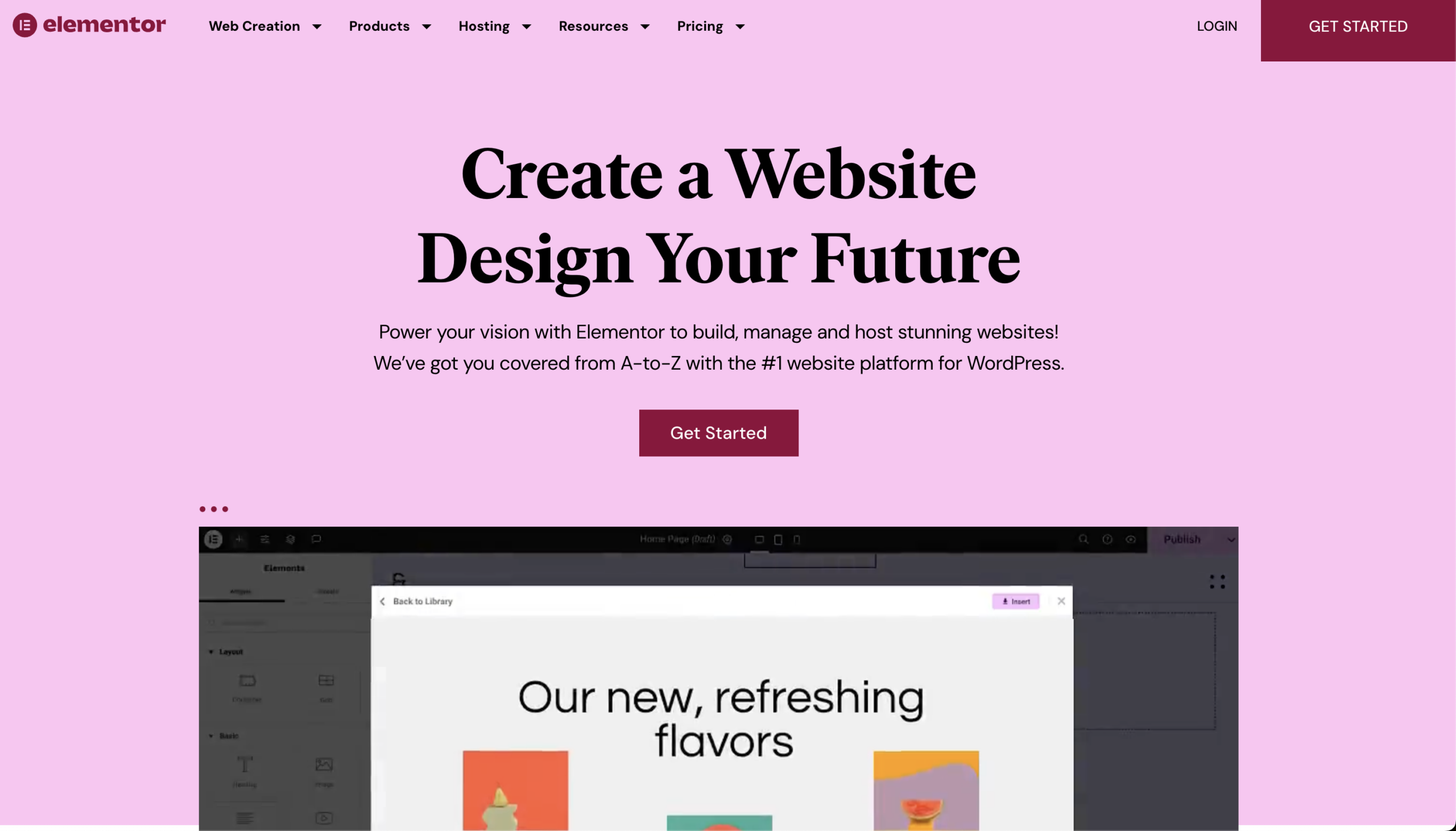
Upgrade to Elementor One is something I’ve been seriously evaluating this year as both a business owner and an agency owner managing multiple web design projects at once.
And if you’re here, you’re probably wondering the same thing:
Is Elementor’s new all-in-one plan actually worth it… or is it just clever packaging?
After building dozens (honestly, hundreds) of WordPress websites over the years, I’ve seen every combination of:
- Separate builder licenses
- Separate AI tools
- Separate optimization plugins
- Separate security tools
It works… but it’s messy.
Elementor One is clearly trying to eliminate that mess.
Let’s break it down.
What Is Elementor One?
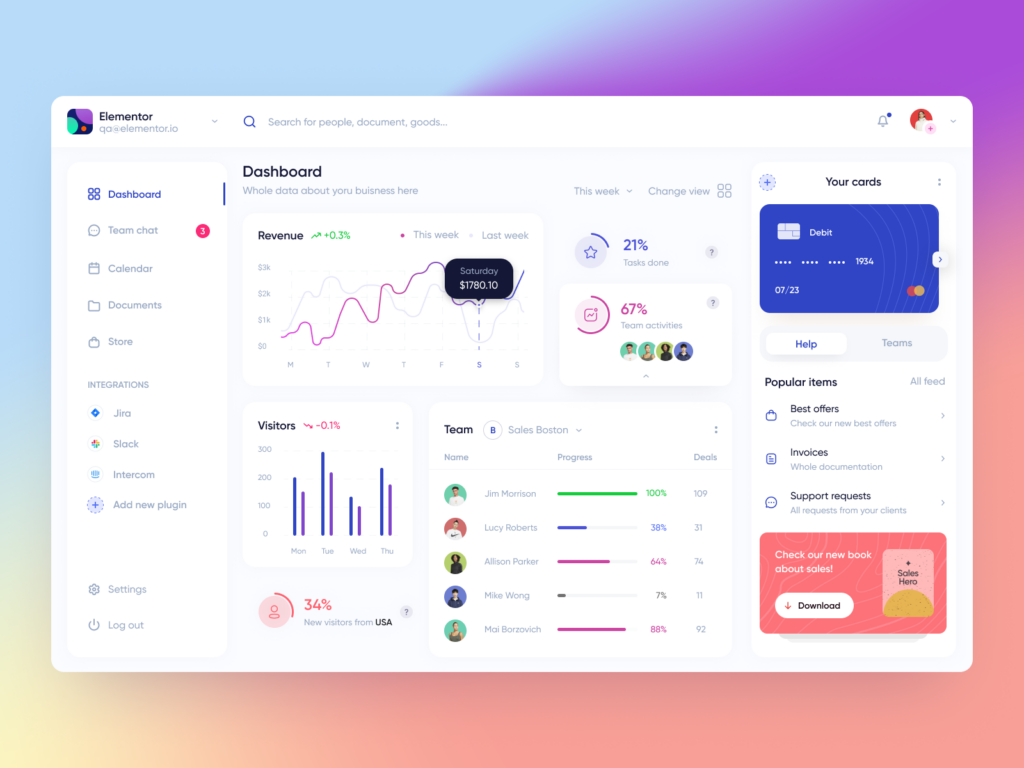
Elementor introduced Elementor One as their true all-in-one website solution.
Instead of just selling a page builder (like they used to with Pro), Elementor One bundles:
- Website Builder (Pro-level)
- AI Website & Content Tools
- Premium Templates
- Security + Performance optimization
- Support under one ecosystem
So instead of duct-taping 5 different services together…
You get one environment designed to work together.
As someone who runs an agency, that alone caught my attention.
👉 Try Elementor One Here
If you want to see the current Elementor One pricing and features, you can check it out here:
Upgrade to Elementor One
Why I Considered Upgrading to Elementor One
Running web design projects at scale creates friction in 4 areas:
- Hosting issues
- Plugin conflicts
- Content bottlenecks
- Client handoff complexity
Elementor One directly addresses all four.
And that’s what made me seriously consider whether to Upgrade to Elementor One for future builds.
The AI Features Are the Real Game-Changer
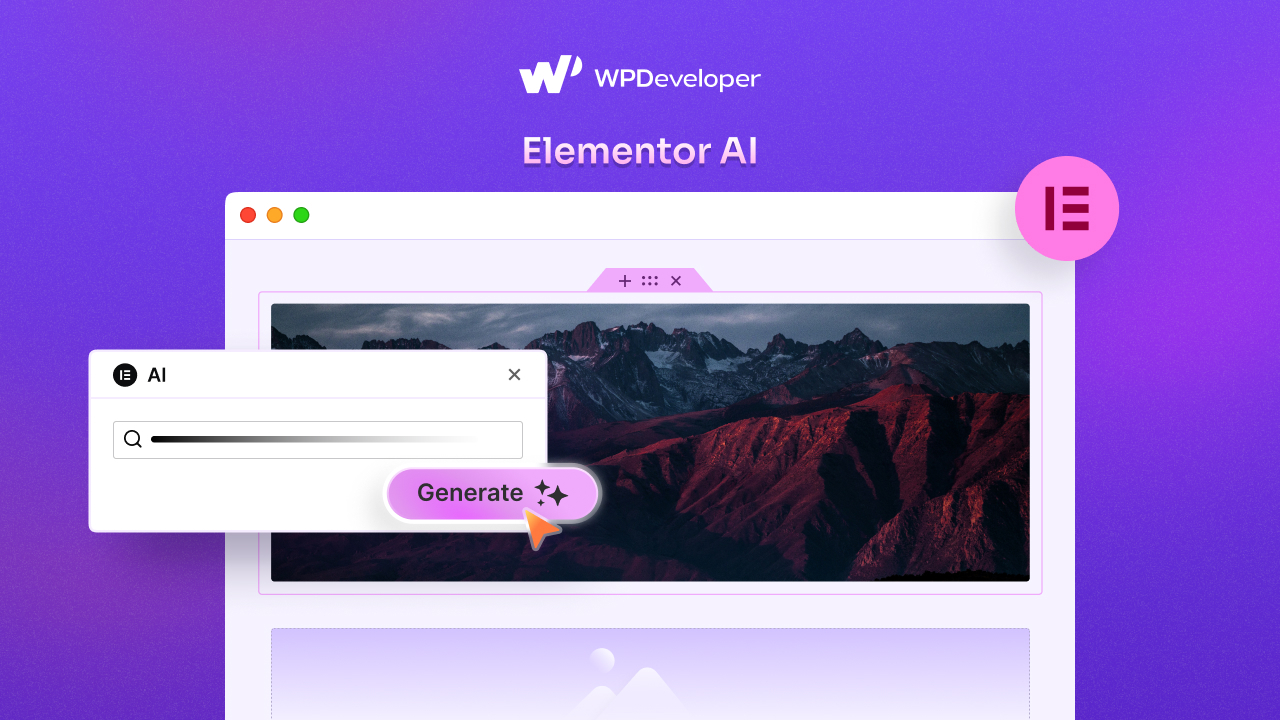
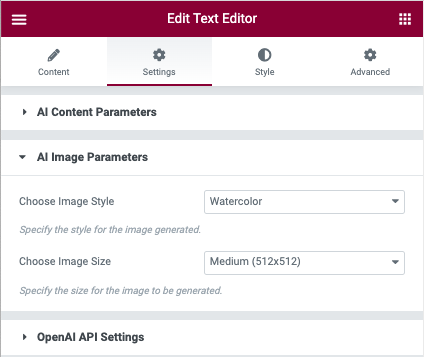
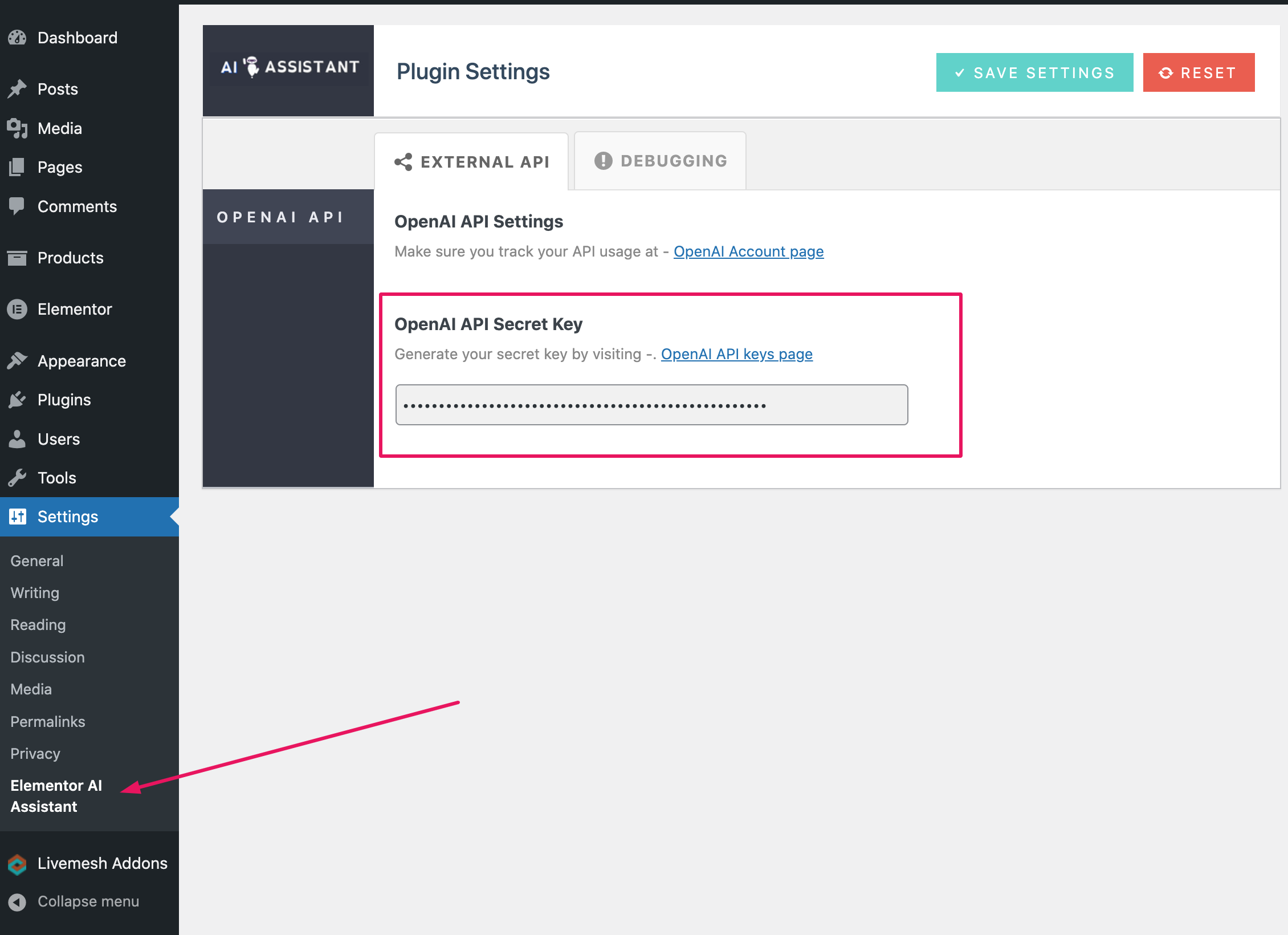
Let’s talk about what really changed my workflow: Elementor AI.
This isn’t just “AI that writes blog posts.”
Inside the builder you can:
- Generate section layouts
- Rewrite client copy
- Improve headlines
- Generate custom CSS
- Build container structures
- Translate content
- Create images
- Adjust tone instantly
As an agency owner, here’s why that matters:
Normally, when a client says:
“Can we reword this?”
“Can we try a different layout?”
“Can you make this more persuasive?”
That means:
- Switching tools
- Opening ChatGPT
- Rebuilding manually
- Formatting again
With Elementor One, it’s inside the builder.
That removes friction. And friction kills efficiency.
Time = profit in agency work.
Hosting + Builder Together = Fewer Headaches
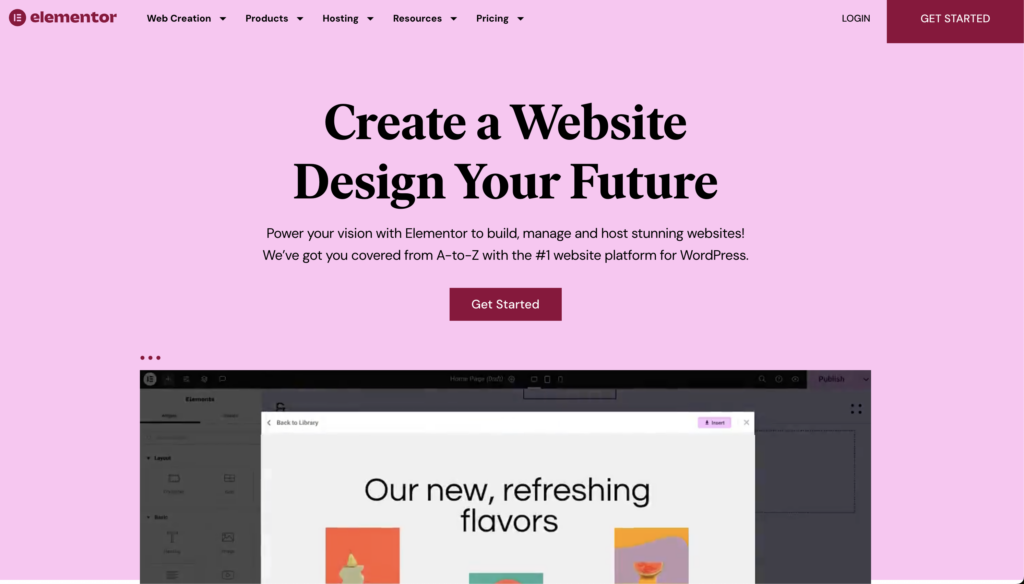
Consider Adding Elementor Hosting with Elementor One
When you Upgrade to Elementor One, you’re getting Elementor Pro plus a shared credit system that powers connected services like AI generation, image optimization, email deliverability (Site Mailer), and accessibility tools. Hosting is still a separate add-on if you want Elementor’s managed hosting.
When you Upgrade to Elementor One and Add hosting, you’re not just upgrading the builder — you’re consolidating infrastructure.
What I like:
- Managed WordPress hosting
- Built-in CDN
- Security monitoring
- Automatic updates
- Optimized performance for Elementor One
As someone who has:
- Migrated broken sites
- Fixed PHP version conflicts
- Diagnosed plugin crashes
- Cleaned hacked sites
The idea of a controlled ecosystem is appealing.
It’s not about “less control.”
It’s about fewer variables breaking.
👉Check Out Elementor HOSTING Here.
Elementor One vs Pro (Is It Worth the Jump?)
Here’s the honest breakdown:
| Feature | Elementor Pro | Elementor One |
|---|---|---|
| Builder | ✅ | ✅ |
| AI Tools | Limited | Advanced |
| Performance Stack | DIY | Built-In |
| Support | Standard | Integrated |
If you already have:
- External AI tools
- A refined workflow
You may not need to Upgrade to Elementor One immediately.
But if you’re:
- Starting fresh
- Scaling client sites
- Tired of tech stack juggling
- Wanting AI inside your workflow
Then it starts making serious sense.
See what’s included in the full plan here:
👉 Try Elementor Today
From an Agency Perspective: Why Adding These Tools Will Increase Your Profit Margins
Here’s the part most reviews won’t say.
When you Upgrade to Elementor One:
You reduce:
- Tool switching time
- Setup time per project
- Plugin troubleshooting
- Hosting configuration
- Client training complexity
And that means:
Higher margins per website.
If you’re building:
- 5 sites per year → small impact but still beneficial
- 20+ sites per year → major impact
Efficiency compounds.
Who Should Upgrade to Elementor One in 2026?
You should strongly consider upgrading if you are:
- A freelancer building client sites
- A digital agency owner
- A startup founder building multiple properties
- A business owner managing your own site
- Someone wanting AI built into your design workflow
If you’re just casually blogging, check out Elementor One for a single site plan. If you are an agency, be sure to check out the “Building for Clients” tab on the Pricing page.
If you’re serious about growth and systemization?
Elementor One will align well with your plans.
Final Thoughts: Should You Upgrade to Elementor One?
Here’s my honest take.
As someone who has managed many web design projects across multiple industries, an Upgrade to Elementor One isn’t about shiny features.
It’s about:
- Control
- Speed
- Margin
- Simplicity
- AI leverage
And in 2026, leverage wins.
If I were starting an agency today from scratch, I’d strongly consider building everything inside Elementor One from day one.